 KES
 USD - International

Hosting your own website means two decisions: where the site lives, and who keeps that machine running. You can do it on a computer at home, or you can rent space on a server that is already built for it. This walks through both, and through the five steps that get a site online either way.
Running it yourself gives you full control and teaches you a lot. It also means a machine that has to stay on, an internet connection that has to stay up, and security that is now your problem. For most people — a business site, a portfolio, a shop — renting hosting is cheaper than the electricity of doing it at home.
Step by step
1. Register a domain
Pick something short and easy to say out loud. .co.ke is the right default for a Kenyan business.
2. Choose a hosting plan
A brochure site or portfolio fits the entry plan comfortably. If you are running several sites or expect real traffic, start one tier up.
3. Point the domain at the hosting
If you register both with us this is already done. If your domain is elsewhere, change its nameservers to the ones in your welcome email.
4. Build the site
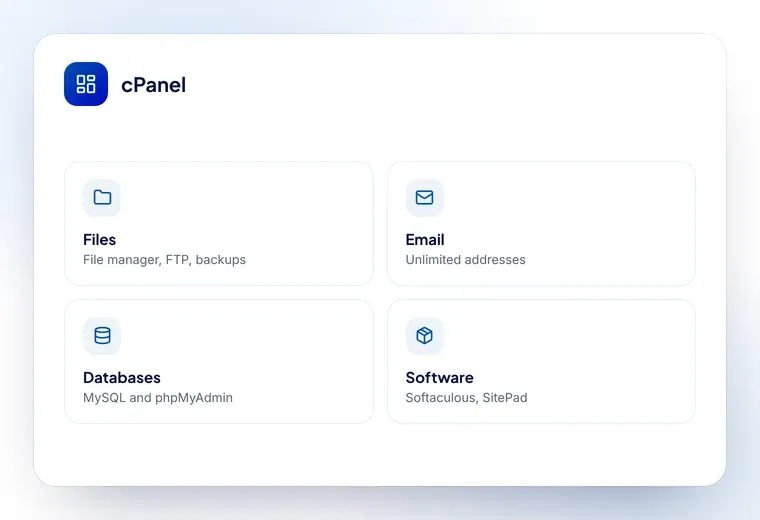
Install WordPress in one click from Softaculous, use the SitePad drag-and-drop builder, or upload your own files with the cPanel file manager or FTP.
5. Set up email
Create [email protected] in cPanel and connect it to Outlook or your phone.
Hosting it on your own computer
You can, and you should not. A home connection has an address that changes, upload speeds far below a server’s, and no protection if the power goes. It also puts your home network on the public internet. Rent hosting — it costs less than the electricity.
What it costs, honestly
Hosting at home looks free until you add it up. A machine that runs continuously draws power every hour of every day. A static IP address, if your provider will sell you one, is a monthly charge. The business-grade connection you need for anything other than a hobby site costs more than a domestic one. And your time has a price too, every evening something breaks.
Rented hosting removes all of that for less than the electricity. A shared plan covers a normal business site; a VPS covers the ones that have outgrown it. Either way, somebody else is awake when the disk fills up at three in the morning.
When hosting it yourself does make sense
There are good reasons, and “to save money” is not usually one of them.
- Learning. Standing up Nginx, a database and a certificate by hand teaches you more in a weekend than a year of control-panel clicking
- Something that must stay on your premises. Occasionally a policy requires it
- A home lab. Media servers, home automation, a test environment nobody else sees
- Hardware you already own doing nothing else
What all of those have in common is that nobody is relying on them being up. The moment a customer is, rent a server.
Shared hosting, VPS or dedicated?
Shared hosting
Your site sits on a server with others, each in its own account. You get a control panel, email and one-click installs, and you never touch the operating system. Right for brochure sites, portfolios, small shops and nearly every first website.
VPS
A slice of a machine that is genuinely yours: guaranteed memory and CPU, full root access, and whatever software you care to install. Right when shared hosting keeps hitting limits, or when you need something it will not let you install.
Dedicated server
The whole machine. Right for heavy, sustained workloads — large databases, analytics, a hosting business with real traffic underneath it.
Most sites start on the first and never need the second. The ones that do, know it: the symptom is a site that is slow at busy times no matter what you cache.
What to get right whichever route you take
- Pick a domain you can say out loud. If people have to spell it for each other, it is the wrong name
- Use your own domain for email.
[email protected]reads differently from a free address - Insist on HTTPS. A free certificate takes a minute and browsers mark you down without one
- Check backups exist and can be restored. An untested backup is a hope, not a backup
- Keep the software updated. Most hacked sites are old plugins, not clever attackers
Get those five right and the hosting question largely answers itself.